
Why casement windows need more than a spreadsheet
A casement looks simple until you count what changes with the leaf: sash size, bead lengths on each side, hinges, handle position and the glass inside the sash. A spreadsheet can miss any one of these when the size changes.
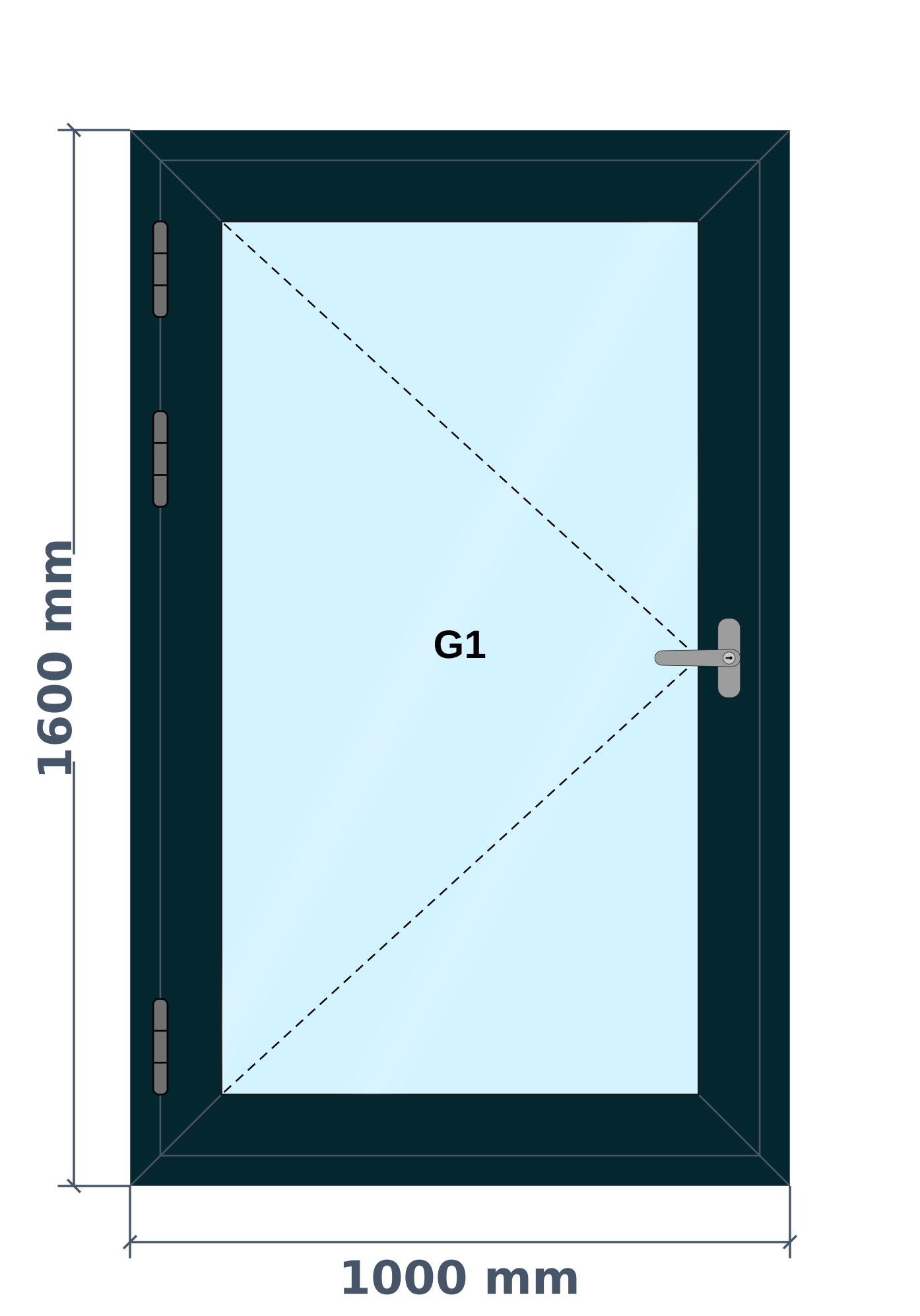
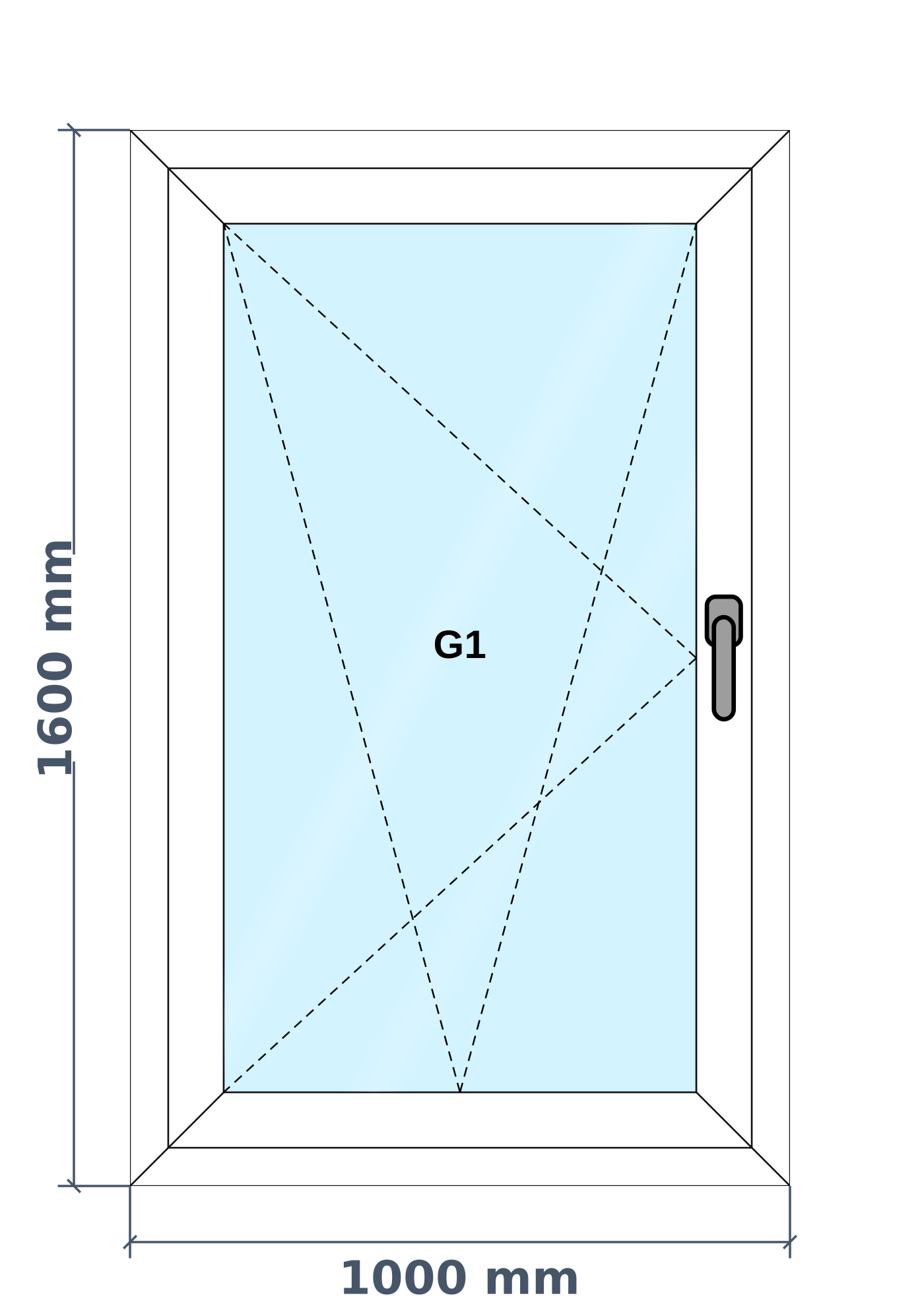
In AluSync you draw the frame, turn a pane into an opening leaf and choose which way it opens. The drawing shows the hinges and handle where they will really sit, so your customer and your workshop see the same window.
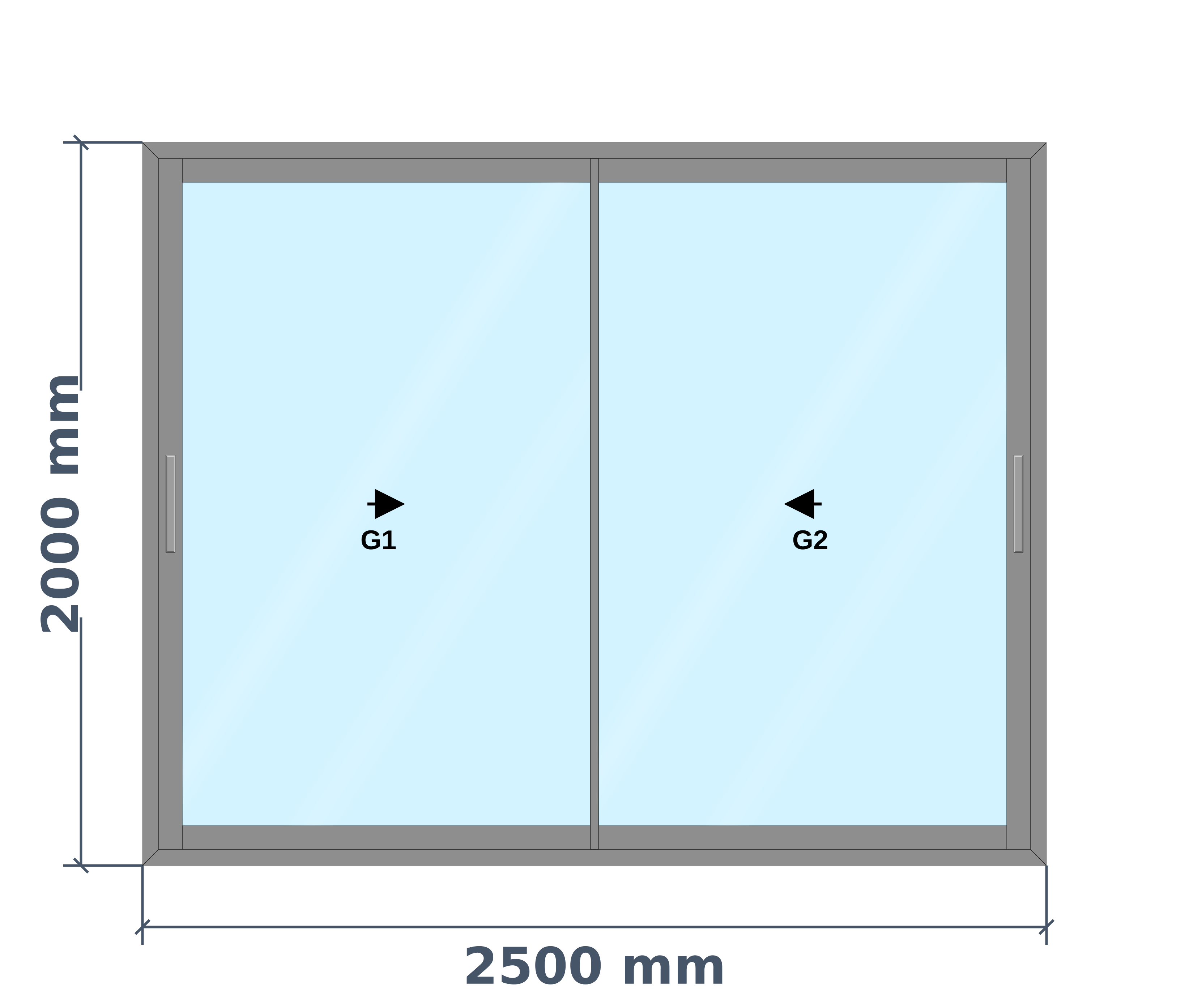
One frame can mix leaves and fixed glass, and each pane keeps its own settings. Bead is cut per side, and a fixed pane only takes bead if your product is set up that way.
What you can design
- Single-leaf side-hung windows
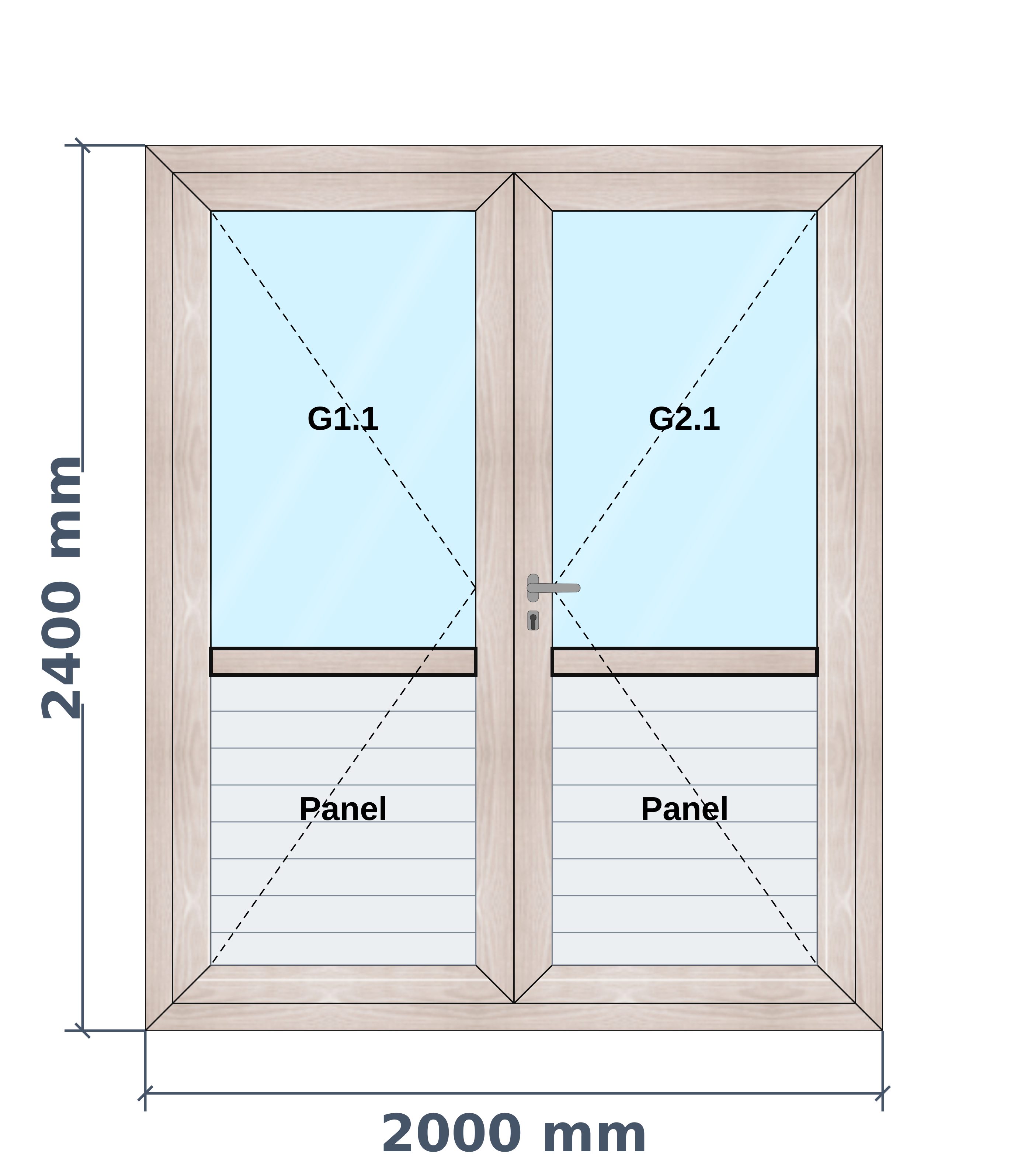
- Double-leaf windows meeting at a fly mullion
- Openable leaf beside or above fixed glass
- Mullions and transoms dividing one frame
- Mesh shutter behind the leaf
- Louvres or an exhaust fan in one pane
How AluSync handles it
Hinges and handles drawn to size
Pick the handle shape and hinge, and they appear on the drawing at the height you set.
Hardware counted automatically
Quantities follow the rules set up for that product, so nobody counts hinges and locks by hand on each quotation.
Bead cut per side
Glazing bead lengths come from the real inner sash size, side by side.
One price per window
Labour and margin fold into the window rate on the quotation, so your customer never sees your cost.
Questions about casement windows
Can one window have a casement leaf and fixed glass?
Yes. You can divide a frame into panes and set each one as fixed or openable. Each pane keeps its own glass.
Can I show which way the window opens?
Yes. The opening direction is drawn on the window, and the same drawing goes onto the quotation.
Do I need CAD skills?
No. You draw on a simple canvas by clicking and dragging, and enter sizes in soot, inches or mm.
Ready to Experience These Features?
Book a free 30-minute demo and watch your own windows go from measurement to quote to cutting list. No payment details required.
One system from first measurement to final invoice