
Why hinged doors need more than a spreadsheet
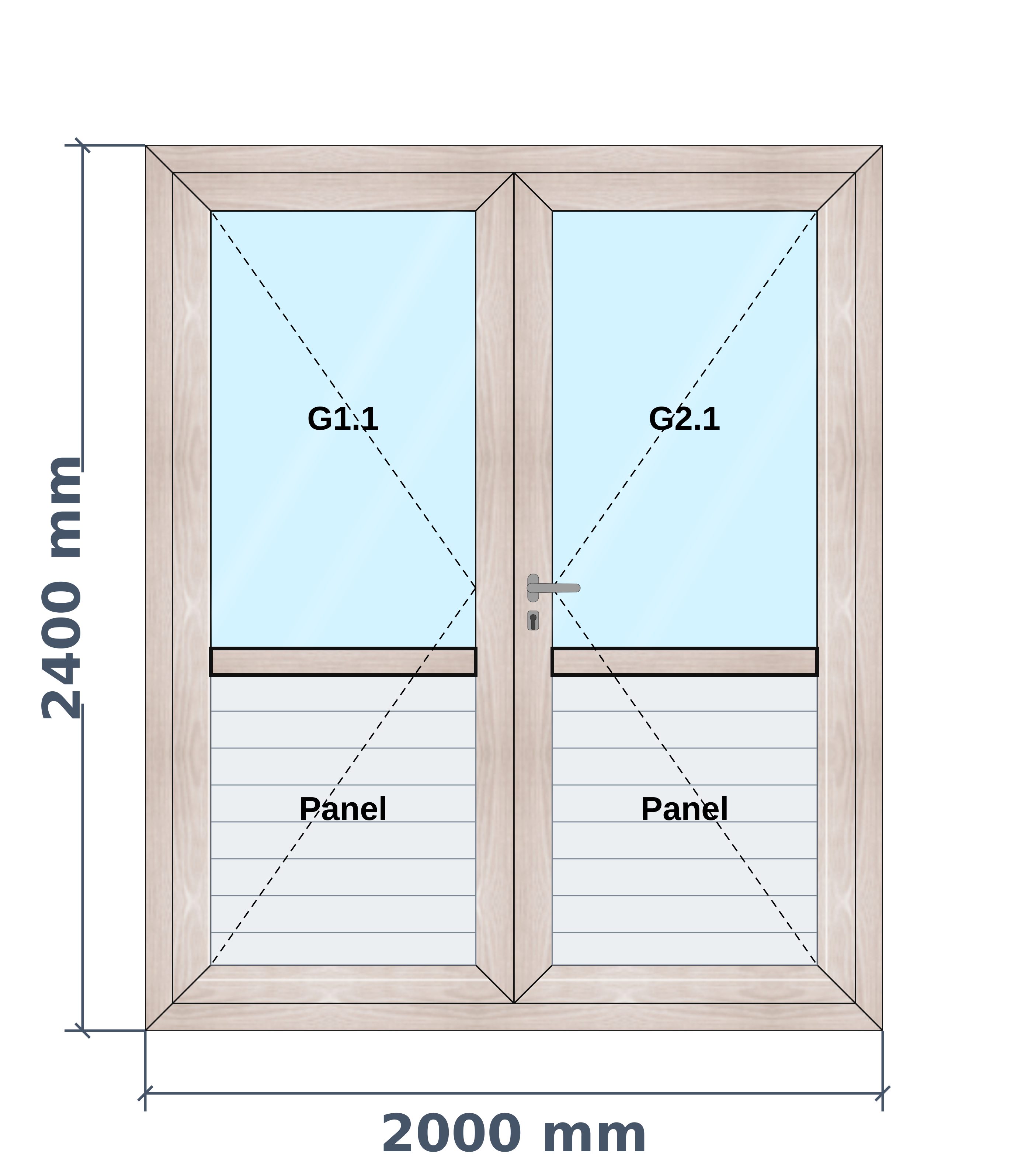
A door is not just a tall window. Whether the frame runs along the floor changes the cuts, the handle sits at a set height, and an optional door closer changes the cost of the job.
In AluSync you choose a 3-side or 4-side frame and the drawing shows it as it will be made. Fill any section with glass or a solid panel, and pick the handle from drawn shapes so the customer sees what they are buying.
Optional hardware is a simple yes or no on the door. Say yes to a door closer and it joins the costing, and say no and it stays off. You can also fit a door into a partition.
What you can design
- Single and double doors
- 3-side frame with no bottom rail, or 4-side frame
- Glass, solid panel or a mix of both
- Door inside a partition
- Optional door closer
How AluSync handles it
Frame your way
Switch between a 3-side and a 4-side frame and the drawing follows.
Panels and glass
Divide the door and fill each section with glass or a solid panel.
Handles you can see
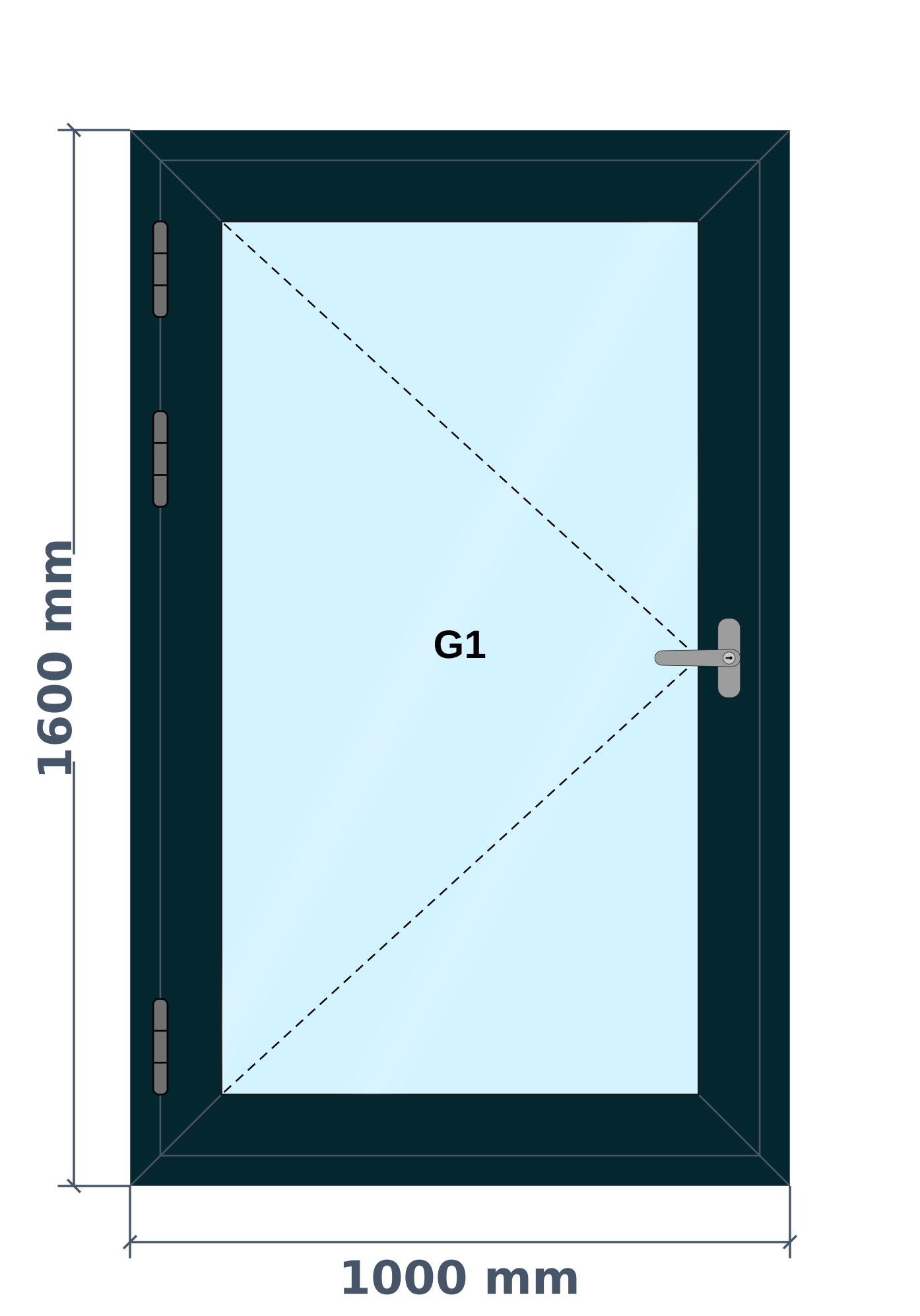
Handles are real drawn shapes, in the colour and at the height you pick.
Hinges to scale
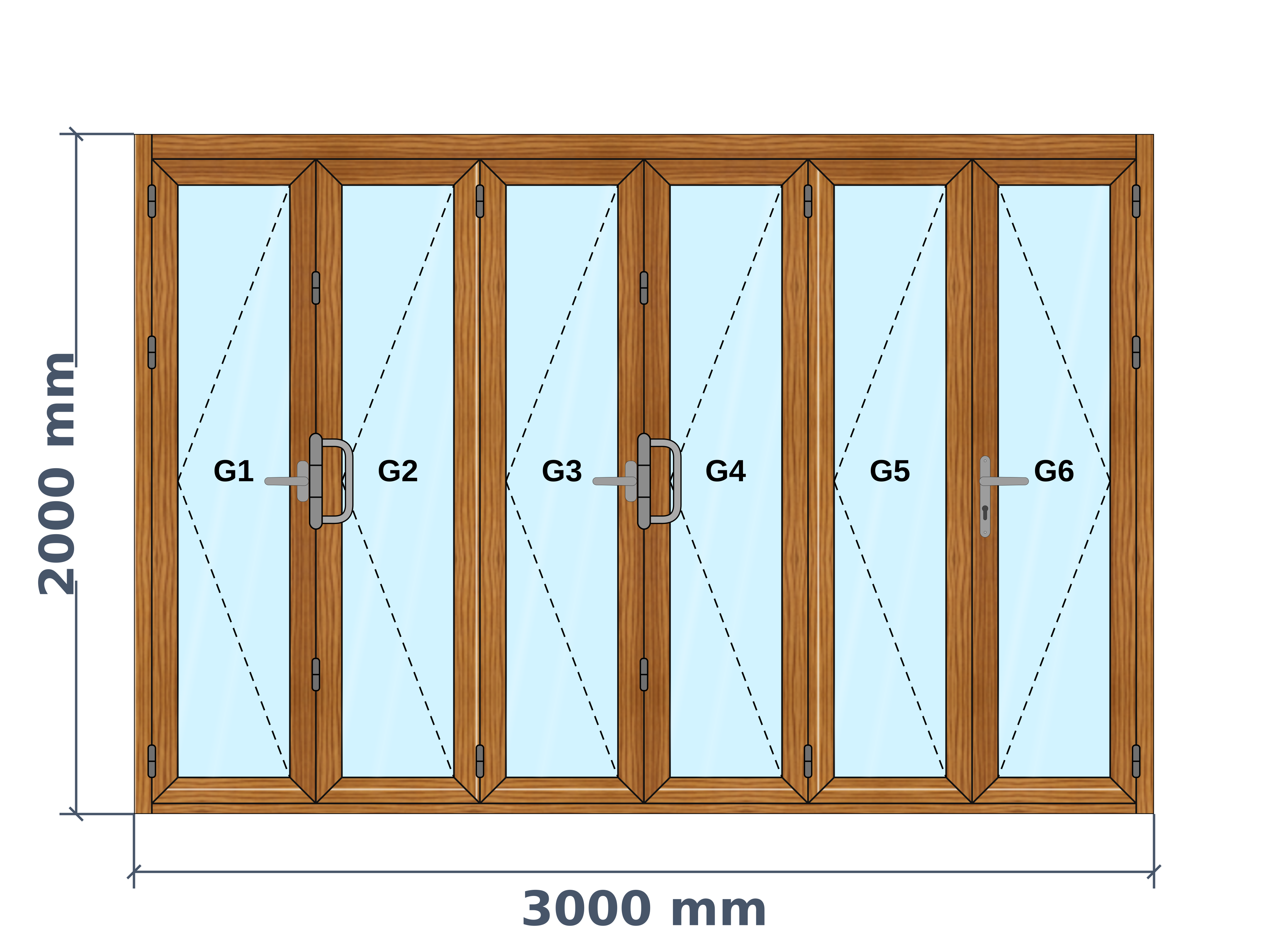
Hinges are drawn at their real size and placed along the door.
Questions about hinged doors
Can I make a door without a bottom frame?
Yes. Choose a 3-side frame and the drawing and cuts leave out the bottom rail.
Can a door have glass and a solid panel together?
Yes. You can divide the door and set each section as glass or panel.
Is a door closer included automatically?
It is a yes or no choice, so you decide for each door.
Ready to Experience These Features?
Book a free 30-minute demo and watch your own windows go from measurement to quote to cutting list. No payment details required.
One system from first measurement to final invoice