
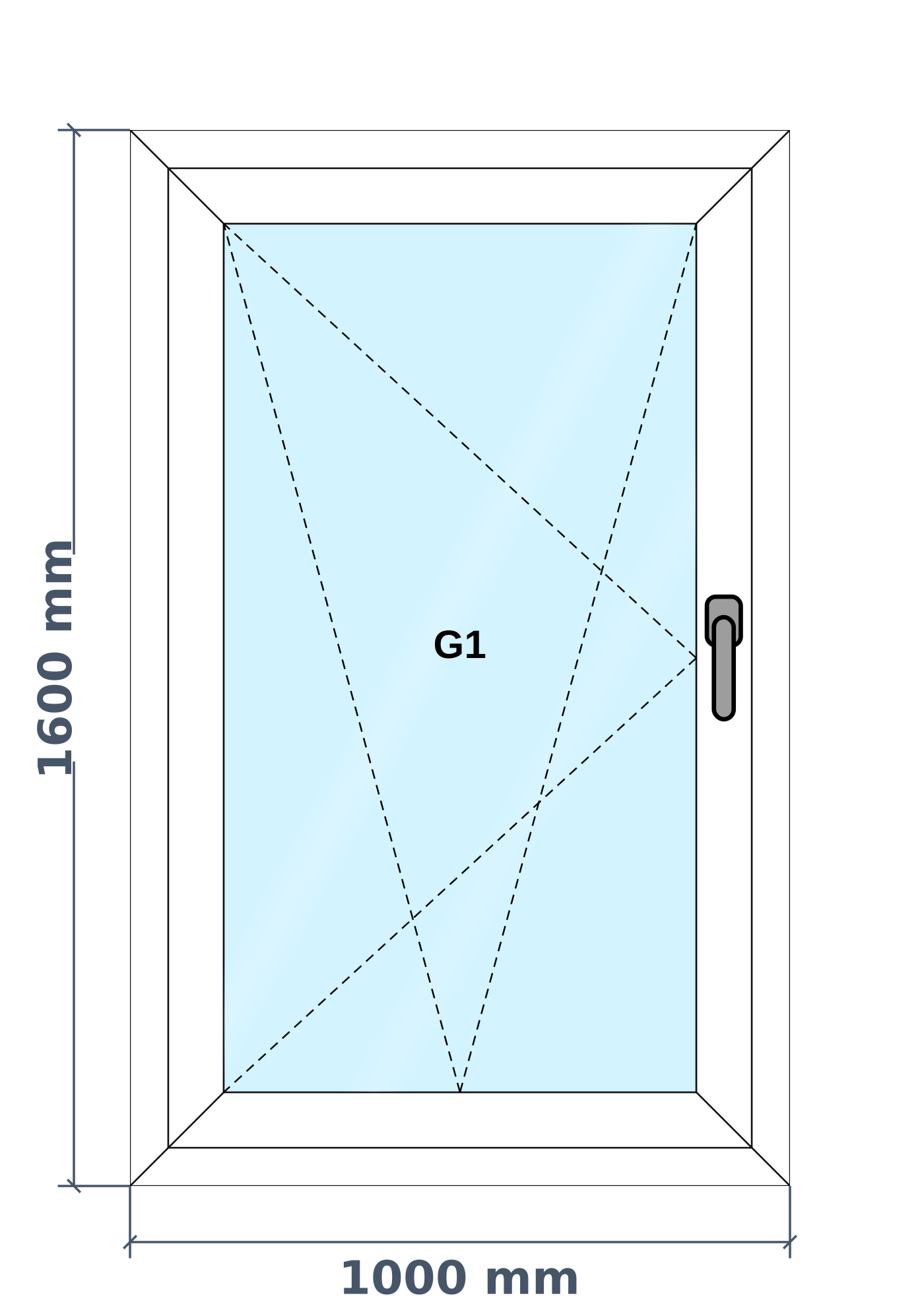
Why tilt & turn windows need more than a spreadsheet
A tilt and turn window opens two ways: the top leans in for air, or the whole leaf swings in for cleaning. Buyers like it, but it needs its own hardware set, and that hardware is usually a large part of the cost.
In most series the frame and sash sizes stay the same as a normal casement. The real change is the hardware. That is how AluSync treats it: same window, different opening type, and the hardware that goes with it.
Your product decides what the window takes. Once your series is set up, your estimators just pick the opening type and the quotation carries the right items.
What you can design
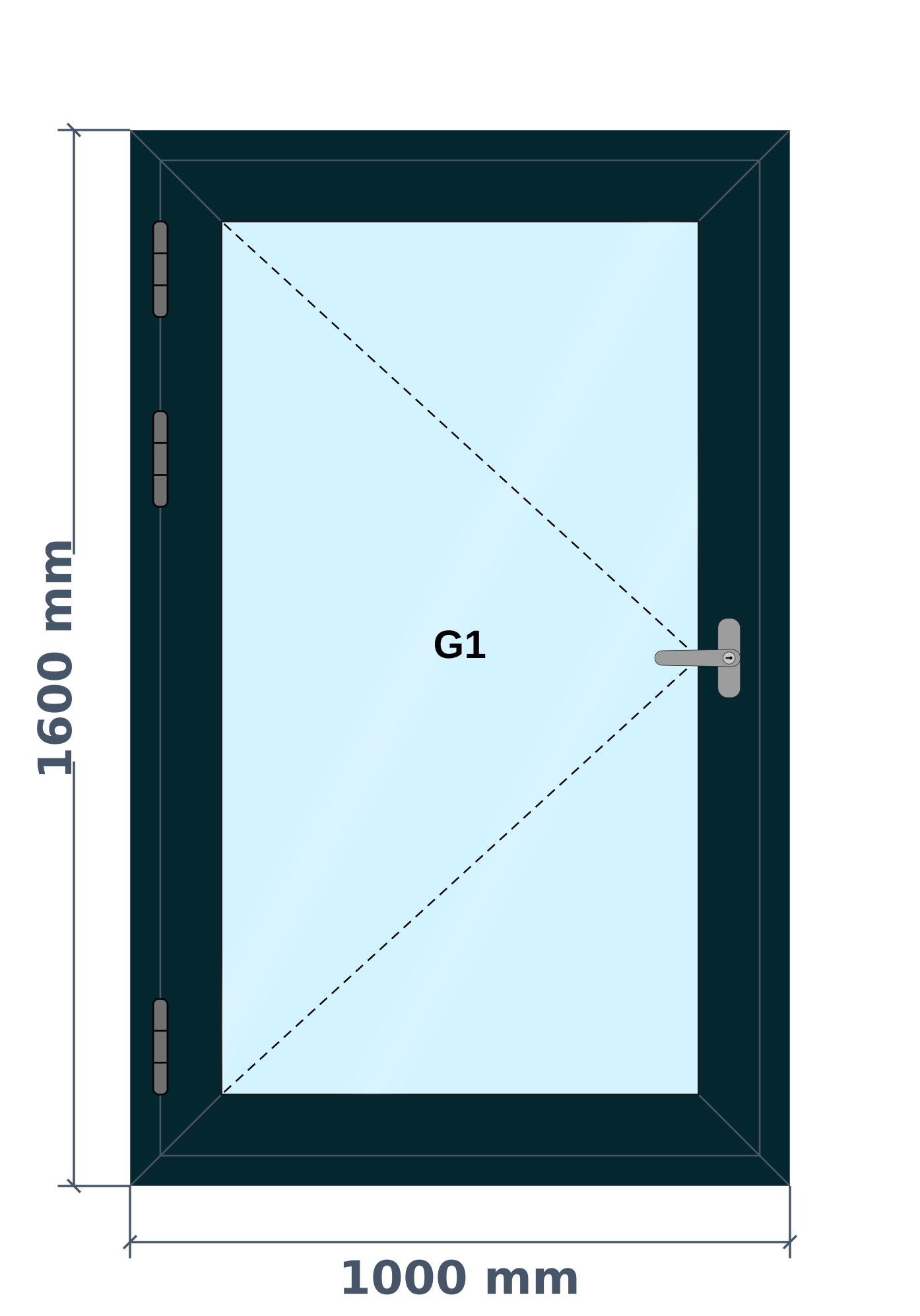
- Tilt and turn opening to the left or right
- Single leaf inside a frame
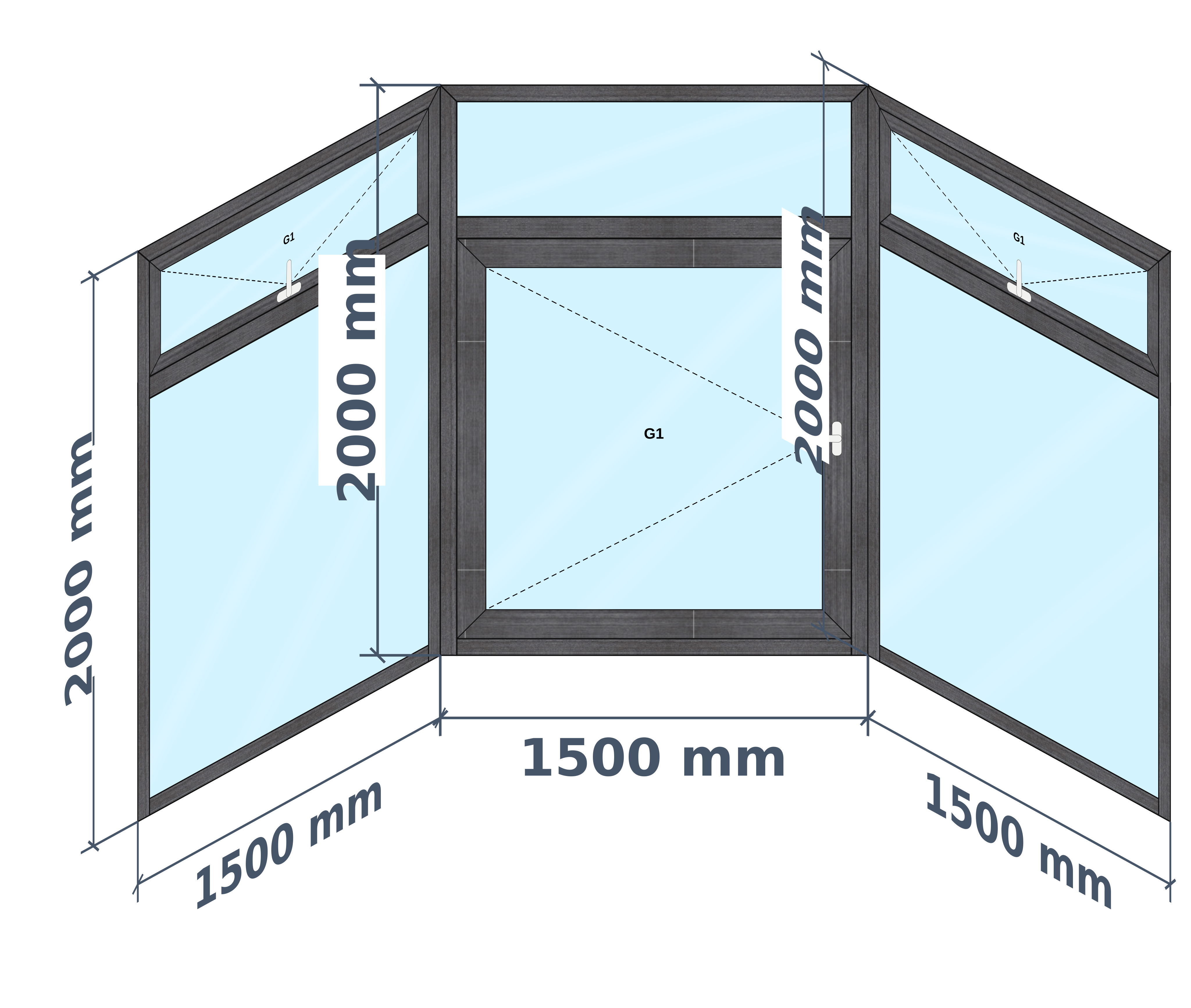
- Tilt and turn beside fixed glass
How AluSync handles it
Opening type on the drawing
The drawing marks the window as tilt and turn, so the workshop and the customer read it the same way.
The right hardware, not a guess
Hardware comes from your product setup rather than being added by hand on each quotation.
Picked under Casement
Tilt and turn sits with your casement options, so estimators find it in the place they already look.
Questions about tilt & turn windows
Is a tilt and turn window different from a casement?
It is a casement leaf with extra hardware that lets the top tilt inward as well as swing open. In most series the sizes stay the same and the hardware changes.
Does AluSync support tilt and turn for uPVC and aluminium?
Yes, once the product is set up with the hardware for your series.
Ready to Experience These Features?
Book a free 30-minute demo and watch your own windows go from measurement to quote to cutting list. No payment details required.
One system from first measurement to final invoice